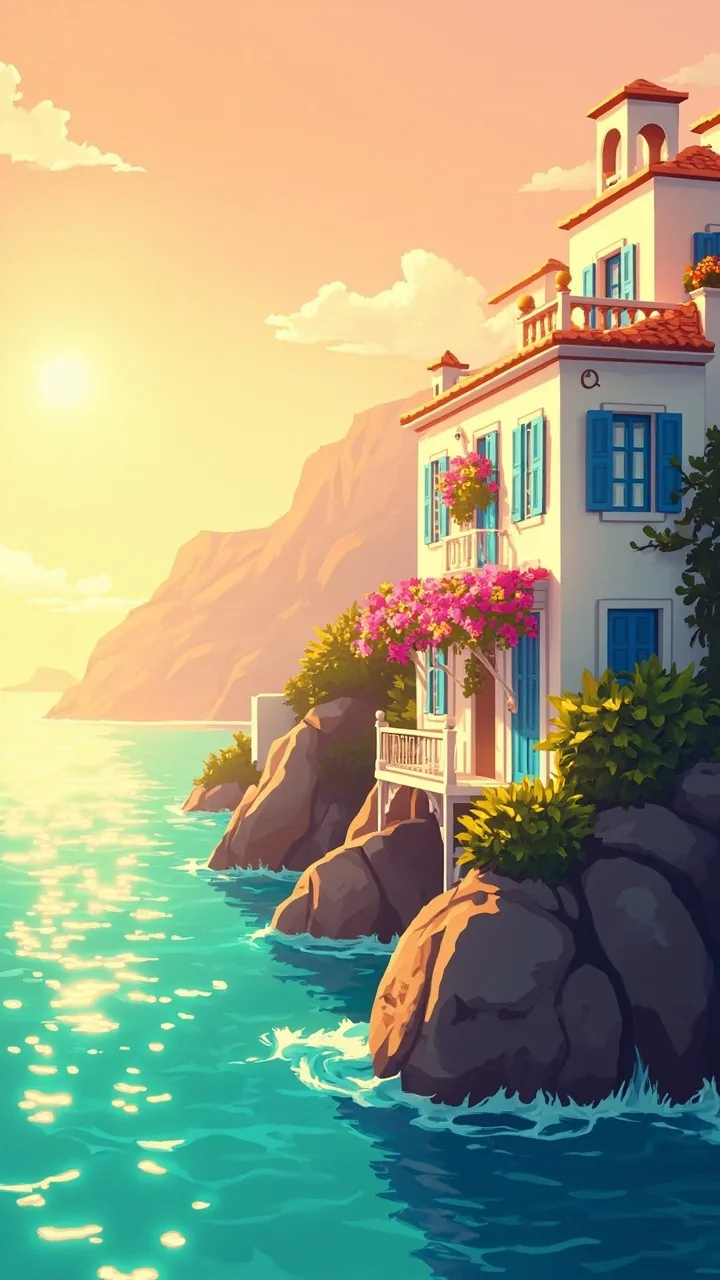

Welcome to Hotel Villa Azzurra! Your job is to bring a run-down seaside hotel back to life, one room at a time.
Getting around
The bar at the bottom has four tabs: Island (the island and its adventures), Hotel (restore and decorate the villa), Merge (the merge board) and Shop.
The board
- Generators (a toolbox, a basket, a lemon tree and more) create items. Tap one to make an item; most taps cost 1 Energy.
- Merge two identical items by dragging one onto the other. They become one item of the next level.
- Every item belongs to a chain (for example tools or lemons). You can tell chains apart by their shape, not only by color.
- Tap an item, then its i, to see everything it can become.
Orders and stars
- Guest orders ask for a specific item. Hand it in to earn Coins and XP.
- Story orders ask for items too, and pay Stars. Stars restore the hotel's rooms and areas, and move the story along.
- Selling an item for Coins is possible, and there is a short Undo window after you sell.
Tips
- No space? Use the Bag (storage) to park items. You start with 4 slots and can unlock more.
- Lots of generators? Later, a generator shelf above the board holds them without taking board space.
- If you pause, the game shows a hint of a possible merge.
- Items never disappear on their own, so take your time.
- Stuck later on? Nico's Tidy Crew and Luca's Quick Fix can help (see “Board helpers”).
Still stuck? See “Contact us” in this help center.
← All help topicsDid this not answer it? Contact us